Moodle
Learning Environment
At ARTS², the higher arts school located in Mons, Belgium, the Moodle platform is the central tool for managing both theoretical and practical courses across the four teaching departments: Visual Arts, Music, Dance and Theatre.
Access to courses and teaching materials: Download syllabi, presentations, scores, tutorials and technical resources (e.g. materials for Screen Printing, Creative Coding, Architectural Drawing, Comparative History of the Arts, etc.).
Assignment submission: Online submission of exercises, digitised artistic projects or written work (e.g. make-up assignments, portfolios or analyses).
Assessments and grades: Take online tests and practice multiple-choice quizzes, and view feedback and grades provided by teachers.
Communication: Receive announcements from teachers, studio instructions and assignment instructions for each course unit (UE).
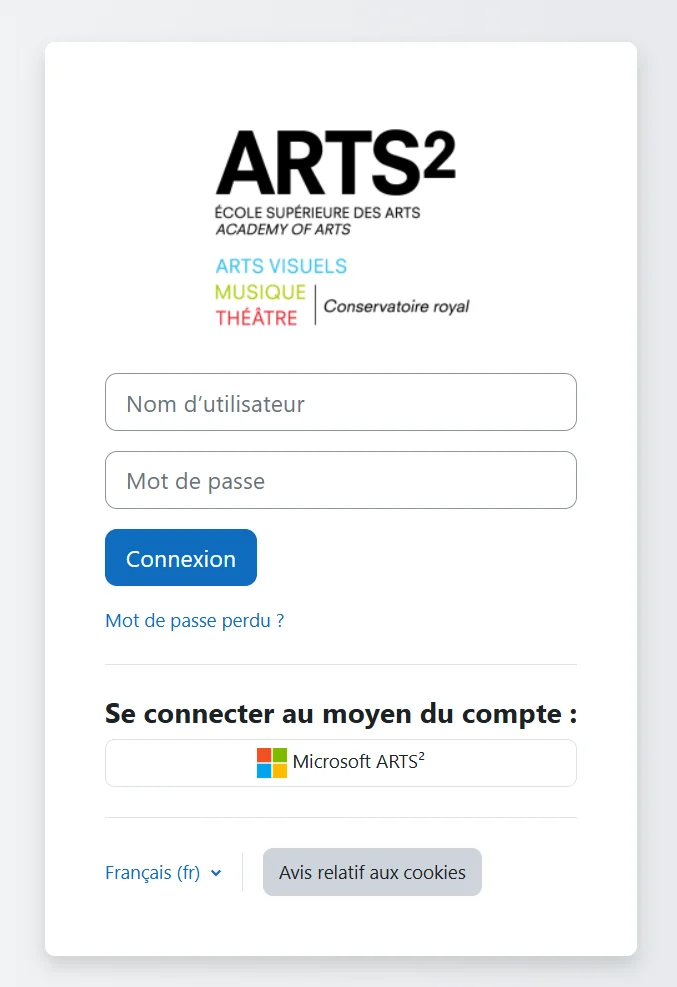
Access it
Platform address: Direct access is via the dedicated URL: moodle.artsaucarre.be.
Login details: Log in using your school credentials (the @artsaucarre.be email address and password linked to your Office 365 / Extranet account).
Note: To access the Moodle spaces for your courses, your administrative registration with the ARTS² student administration office must be in order.
Having a problem?
Contact the IT Department from your institutional email address (firstname.lastname@etu.artsaucarre.be). Please remember to include your last name, first name, student ID number and cursus in your message.
First, check with your Student Administration Office that your administrative registration and your PAE (Annual Student Programme) have been validated.
If your registration is in order but the course does not appear, contact the teacher responsible for the subject directly so that they can grant you access or give you the course enrolment key.